
Download free trial of BURNinTEST from
https://www.passmark.com/products/burnintest/
Choose windows edition when prompted
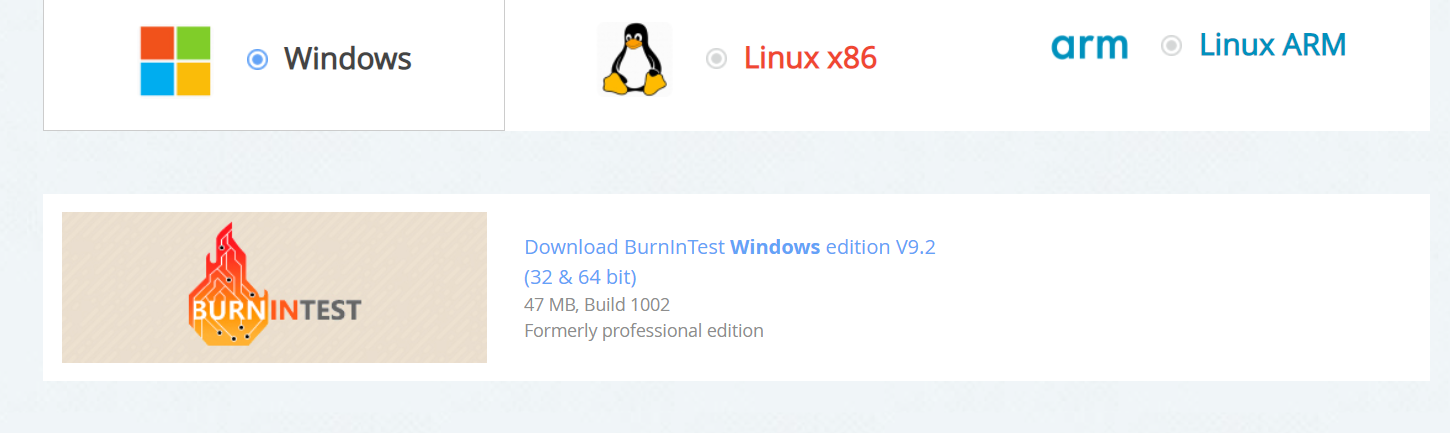
Find the bitwindows.exe, or just bitwindows file in your downloads directory

Right click the file & run as Administrator to install
Accept the agreement and press next
Choose default location & press next & then to install
Click Finish to launch the program for the first time
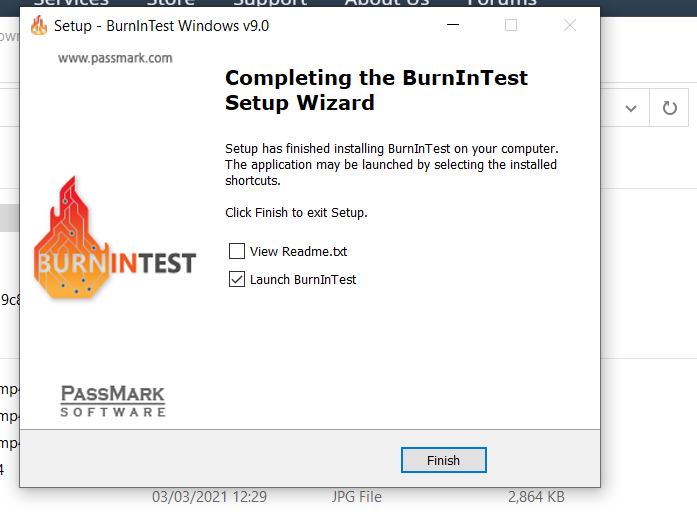
In future you can run it from Desktop or Start Menu
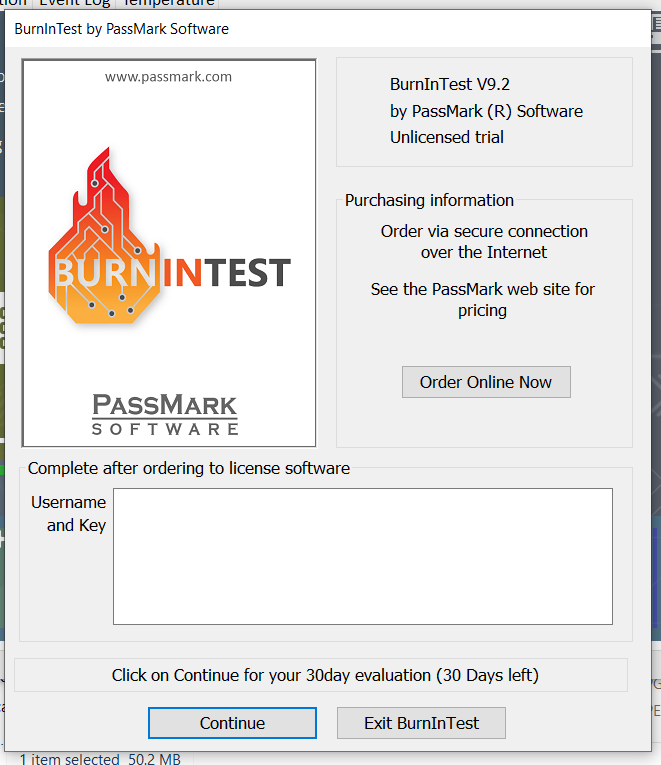
Press continue to run as a free 30 day trial
Expand the main window
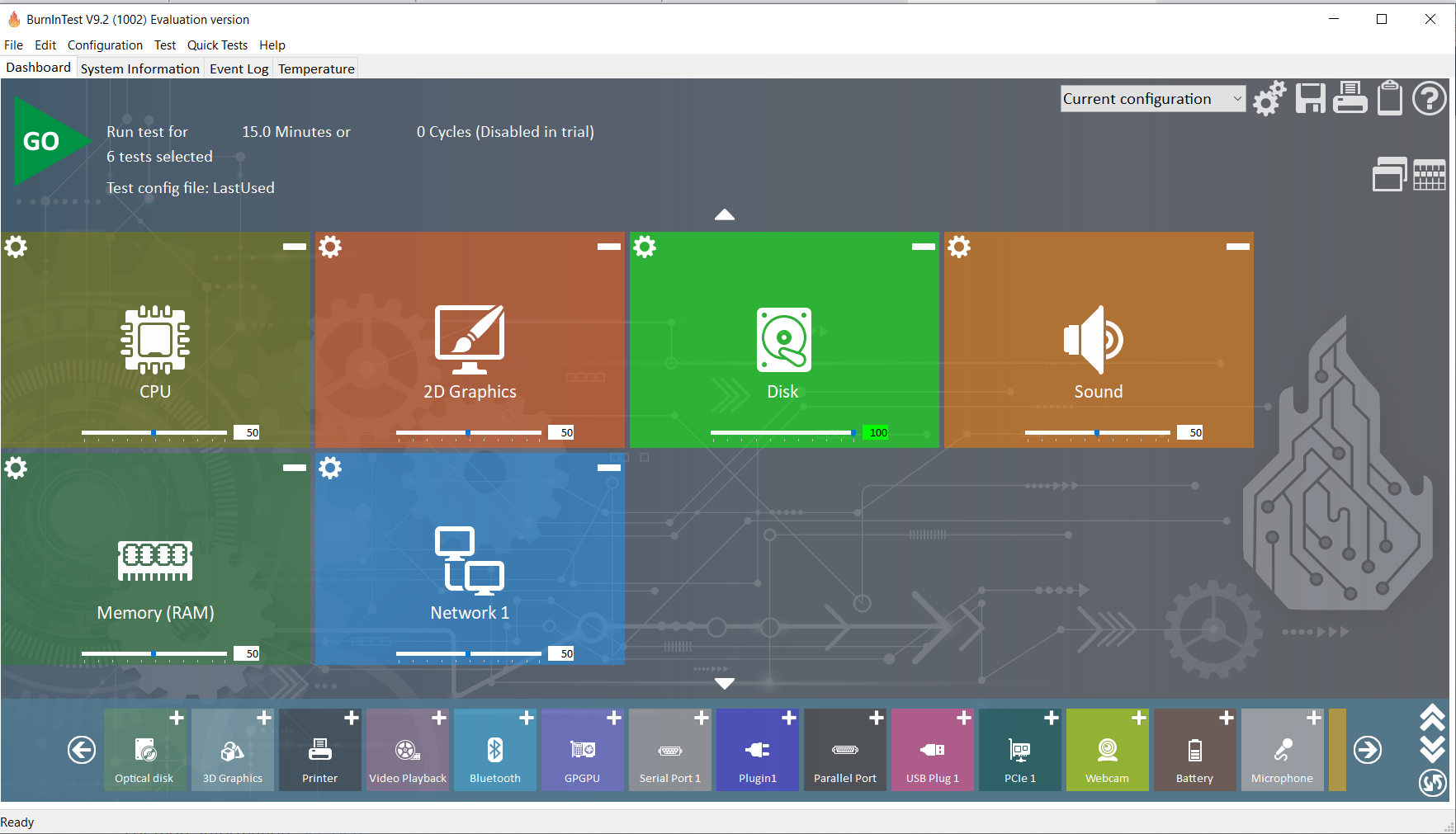
Remove Sound, add 3D Graphics & GPGPU Then move all the sliders to 99
Please make sure you keep the setting at 99% not at 100% as running the tests on 100% setting can damage your PC
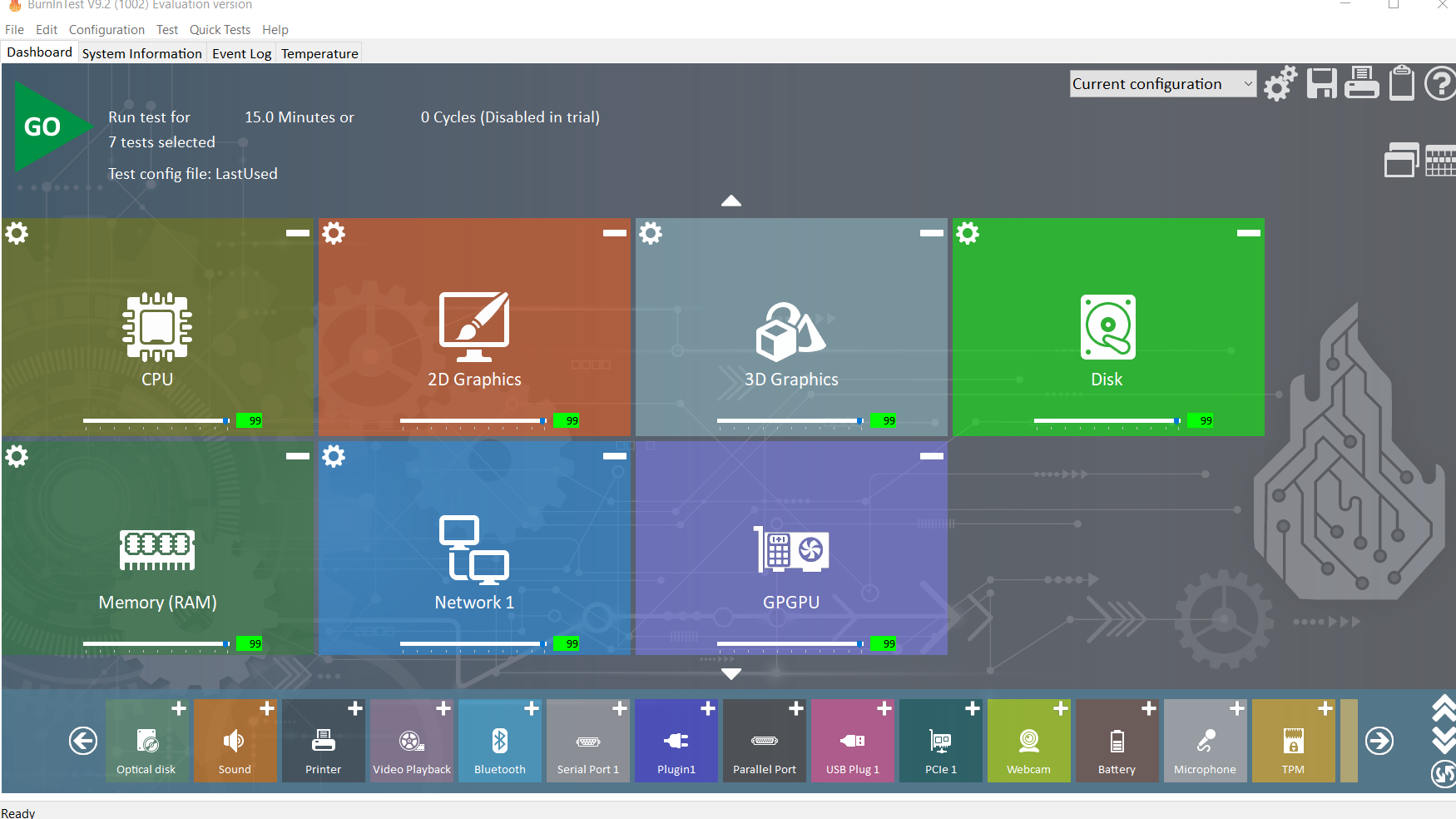
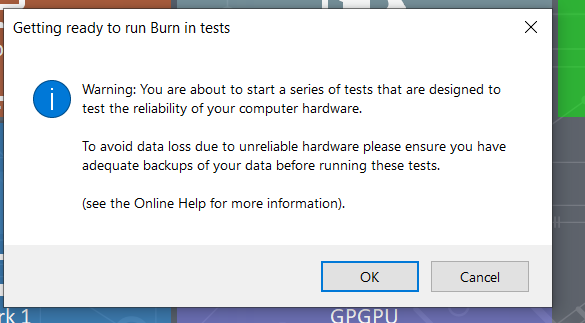
Click GO to run & OK to Continue
Look out for any errors
at the bottom of the screen
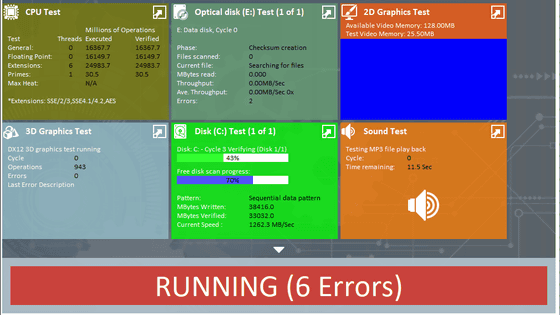
Dont worry too much about any Memory errors reported, as this just means the test ran out of available memory
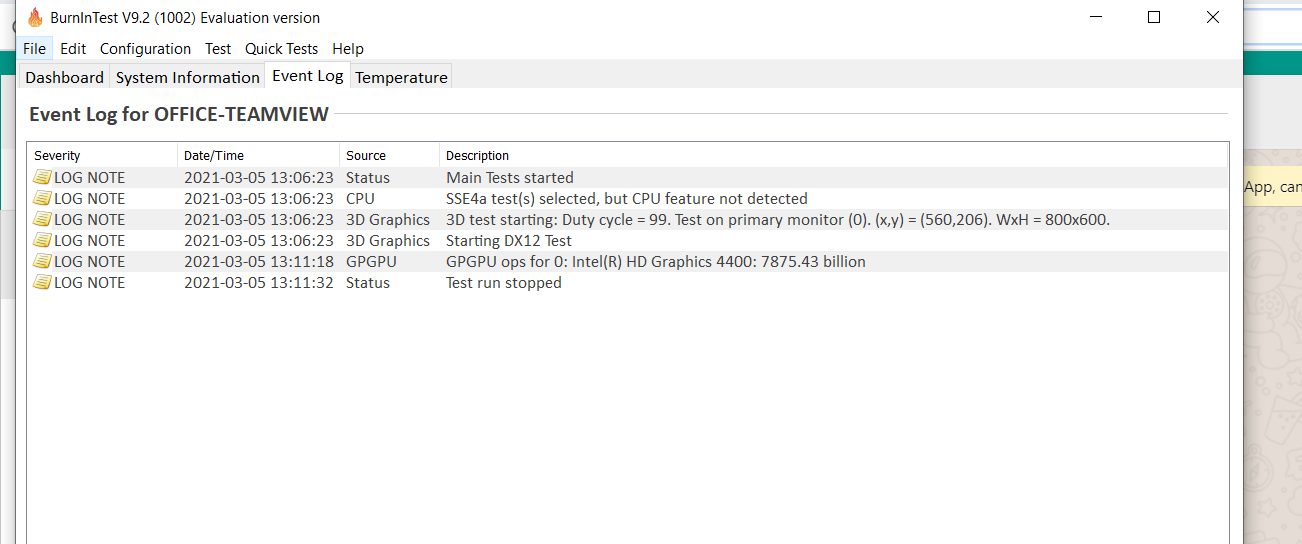
Then go to the Event log tab
& send us a picture or screenshot of any errors displayed
Also go to the Temperature tab
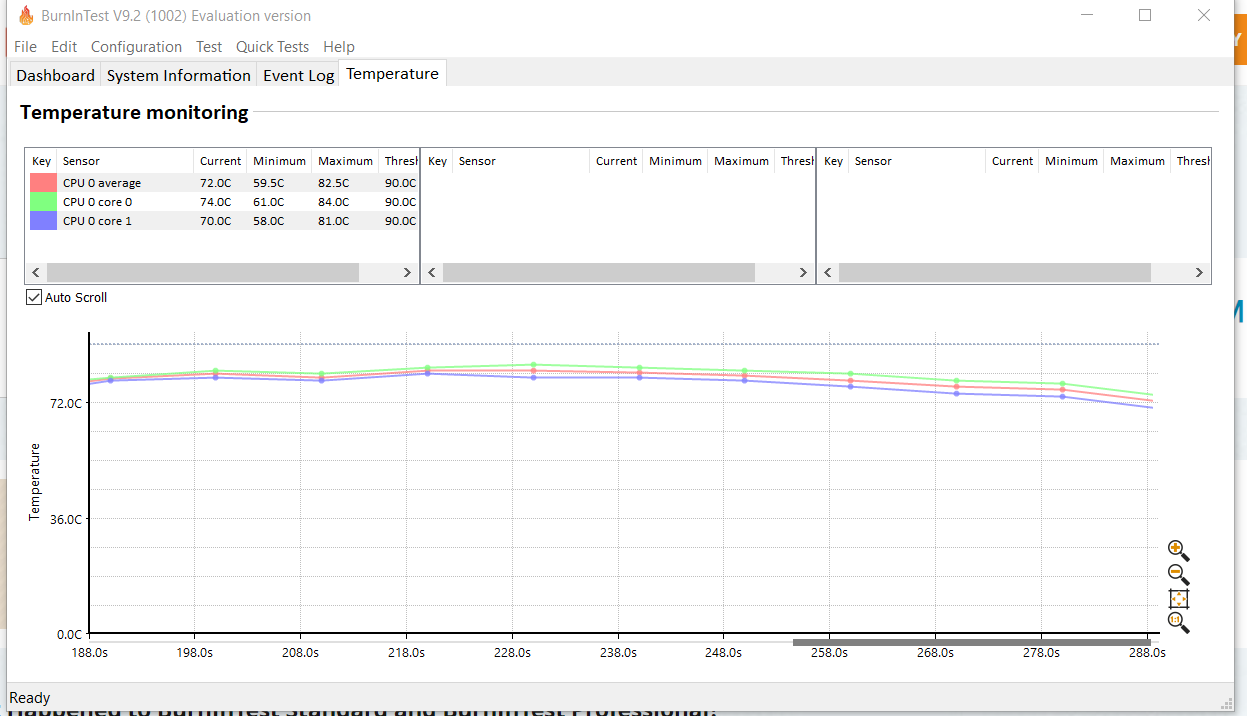
and check CPU temperatures if it goes over 90c and stays there please stop the test take a screenshot or picture & send it to us
The above test is mainly for overall system stability you can also download and run tests to test your graphics card
Furmark & Unigine Heaven are both Graphics card tests
Also Shadow of the Tomb Raider has a built in, in game, benchmark that will test your Graphics Gaming card thoroughly in real time.
Available via Steam.
https://store.steampowered.com/app/750920/Shadow_of_the_Tomb_Raider/
Comments
0 comments
Please sign in to leave a comment.