
If you are in further education or university & some high schools have an Office 365 account ready for students to use. This will give you email and also free or discounted subscriptions to Office 365 for students and sometimes staff to use.
This will also give you access to a one drive account where you can store files in the cloud. Schools in particular are finding this feature useful as USB thumb drives containing homework and coursework are easily misplaced. You should have at least 5gb of space to use for your coursework, which is usually more than enough, although you can upgrade your subscription to include more space.
Check with the Facility Office in your college, school or university to see what your options are.
If you are a home user on Windows 10. Are you using Office 365 or OneDrive? Do you have an Xbox console? Do you use Skype or Teams? If the answer is yes to any of these questions, chances are that you have a Microsoft account. You may call it in a different way but in Microsoft’s dictionary, your account is a Microsoft account. In this article, we explain what a Microsoft account is, how to figure out if you have a Microsoft account and the benefits of using this account:
What is a Microsoft account?
A Microsoft account is an ID composed of an e-mail address and password, which you can use to login to Microsoft websites, services, operating systems and properties such as: Windows 10, Xbox, Skype, Teams, Office 365, OneDrive, Windows 10 Mobile or Windows Phone 8.1, the Windows Store, Bing, MSN and Outlook.com. The Microsoft account used to be called “Windows Live ID”.
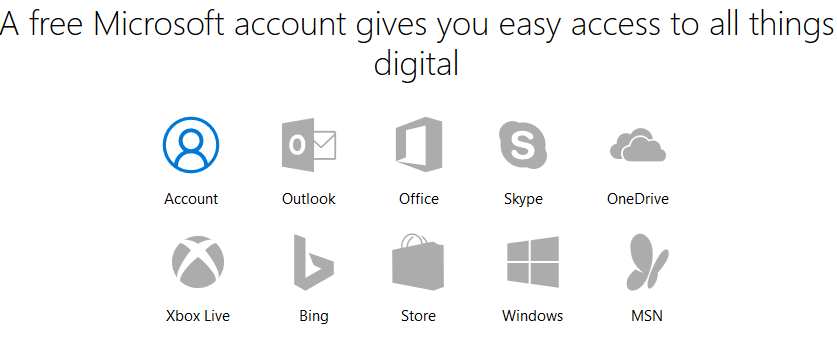
If you already use an email address and password to sign into Microsoft devices and services like the ones shared earlier, then you already have a Microsoft account.
Do you have to have a Microsoft e-mail address for your Microsoft account?
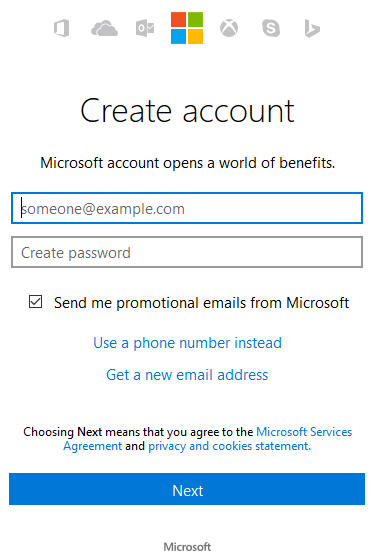
Many people assume that, in order to have a Microsoft account, you need to have an e-mail address with one of Microsoft’s email services like outlook.com, hotmail.com or live.com. While this is definitely what Microsoft wants, it’s not mandatory. You can register a Microsoft account without having an e-mail address from outlook.com, hotmail.com or live.com. For example, you can create a Microsoft account using an existing email service like Gmail.
What are the benefits of using a Microsoft account?
There are benefits to having a Microsoft account and they grow the more you use Microsoft’s products and services. Here are some of the most obvious:
- You can use it to sign in into computers and devices with Windows 10 or Windows 8.1 and have your settings synchronized across devices (including smartphones)
- You can use Cortana on your Windows 10 computers and devices (including smartphones)
- You can download and install apps and content from the Windows Store, on computers and devices with Windows 10 or Windows 8.1 (including smartphones)
- You can use your Microsoft account to sign in into Xbox consoles, purchase games and communicate with others
- You can use Office apps and services like Office 365
- You can use Skype for text, audio and video chat
- You get free online storage on OneDrive
- You can get a free email account if you prefer Microsoft’s email services
- You can sign into Bing and get access to personalized data
- You can get personalized news and content from MSN.com
- You can use any consumer oriented product from Microsoft, including but not limited to Bing Maps, Microsoft Groove and more.
How to create a Microsoft account
You can create a Microsoft account in many ways and most users will create it from an operating system like Windows 10 or Windows 8.1. However, you can also create it straight from a web browser and then use it to sign into all of Microsoft’s services and devices.
Comments
0 comments
Please sign in to leave a comment.